The menu
The app opens on its menu: one big button for each tool, in groups — Money, My day, Talk and Stay safe.
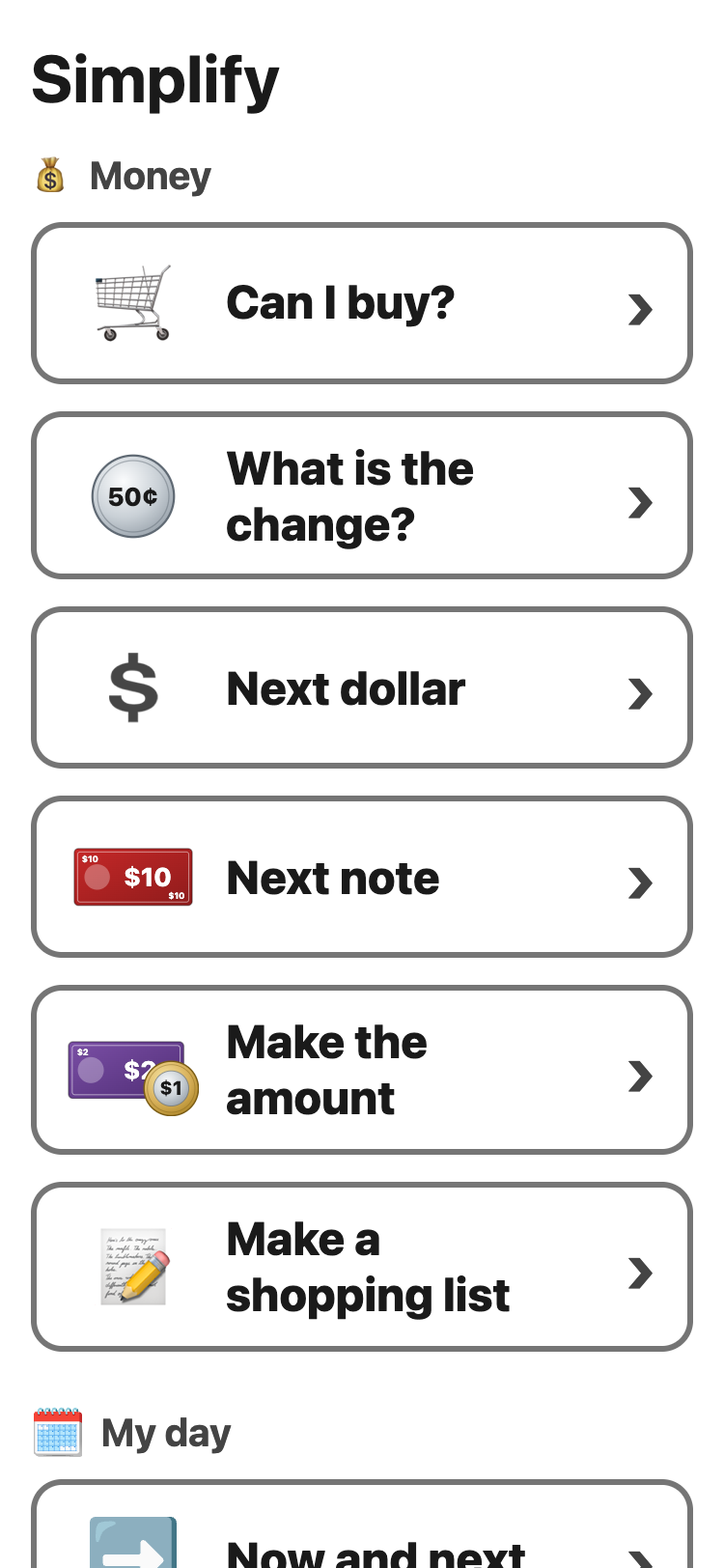
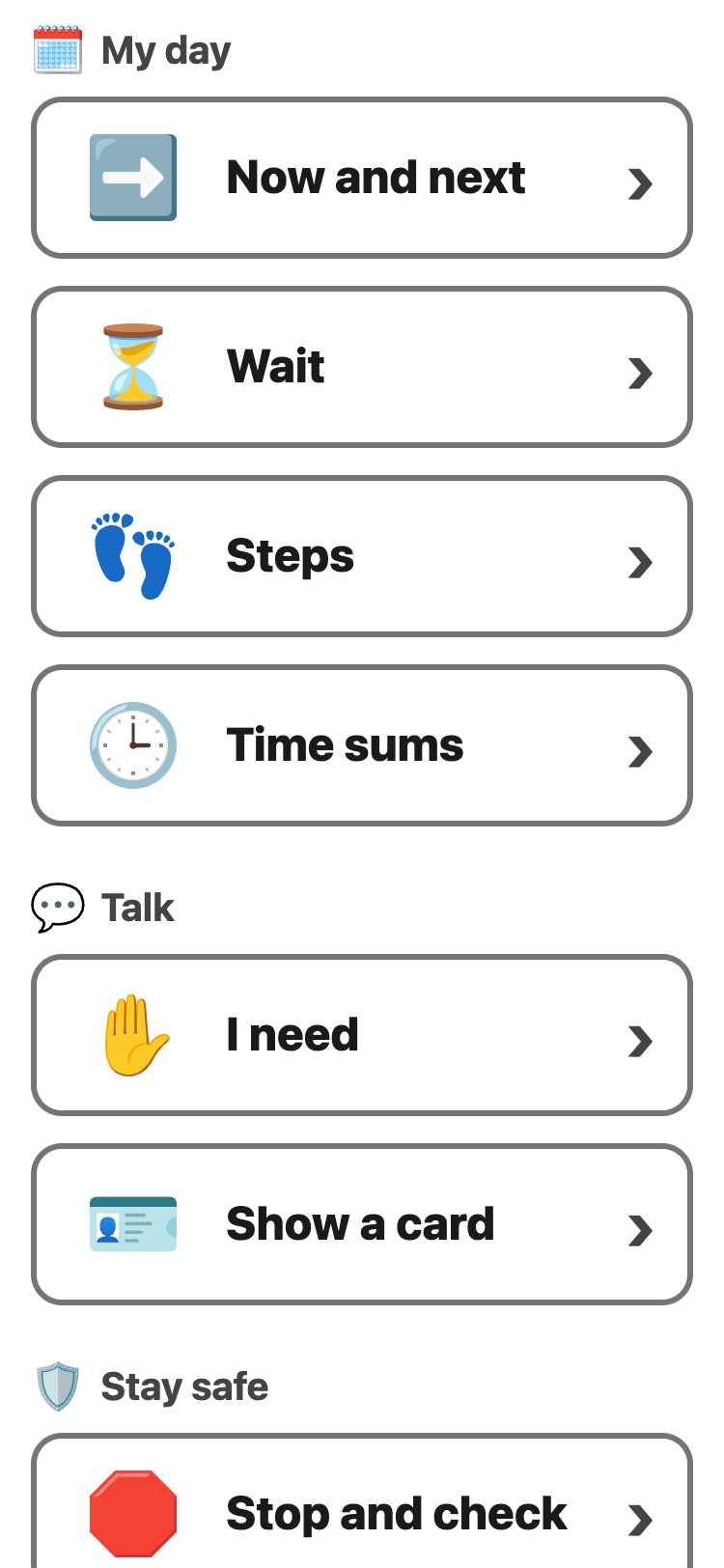
- Tap the tool you want.
- To go back, tap the round 🏠 at the top left. On Android, the back button works too.
The round ✕ at the top right starts over, only in the tool you are in. A Put it back button shows for a few seconds, in case you did not mean to.
A device that follows a class has My class at the top of the menu.
Tools taken off the menu
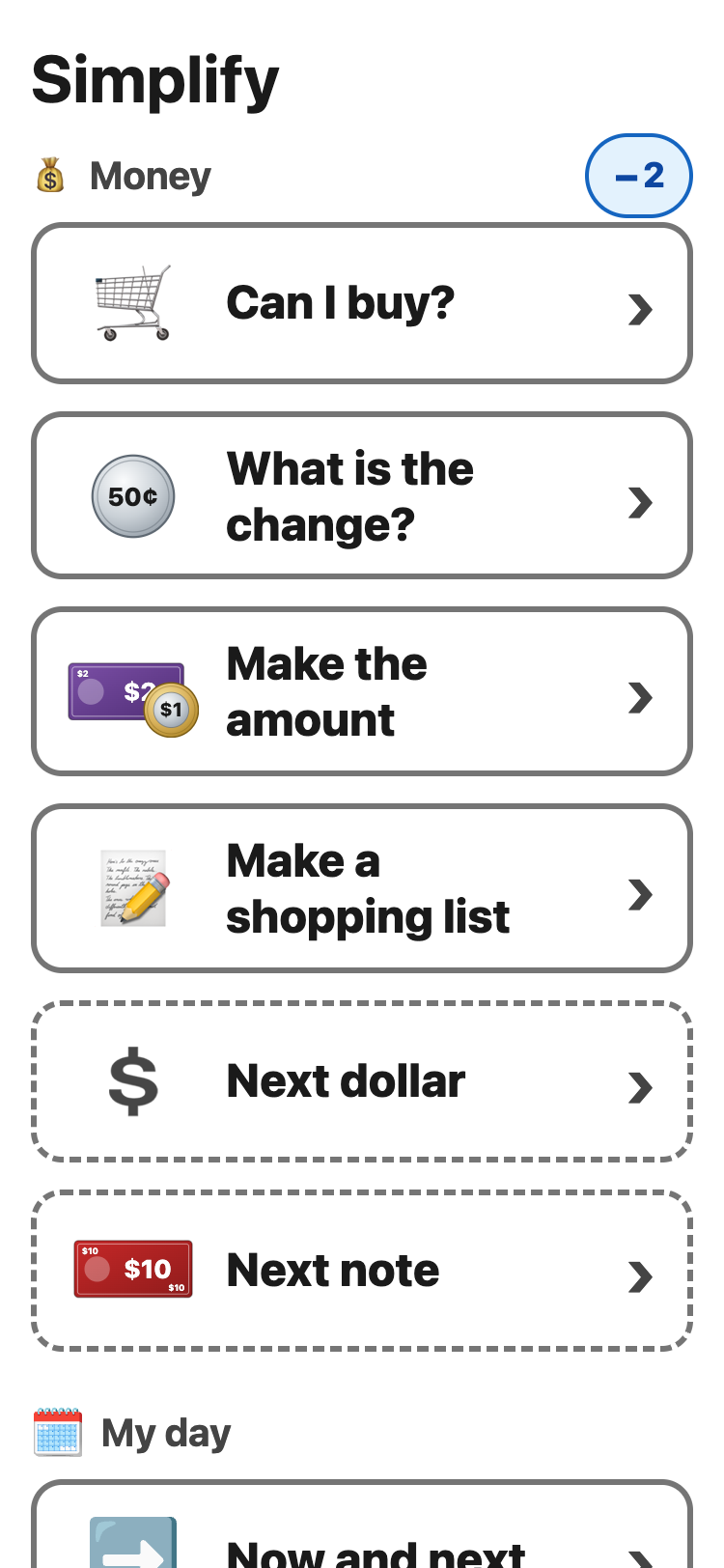
An adult can take tools off the menu on the set-up page. They are not gone: a small +2 beside the group's name shows how many are tucked away. Tap it to see them, under the group's own tools, with a dashed edge. Tap −2 to put them away again. They are put away each time you come back to the menu.
For teachers: every tool has its own link, like simplify.whiz.coach/#next-note. Share it to open that tool straight away.