 I need
Big cards for what a student needs to say when talking is hard. Tap a card, and its sentence fills the screen to show an adult.
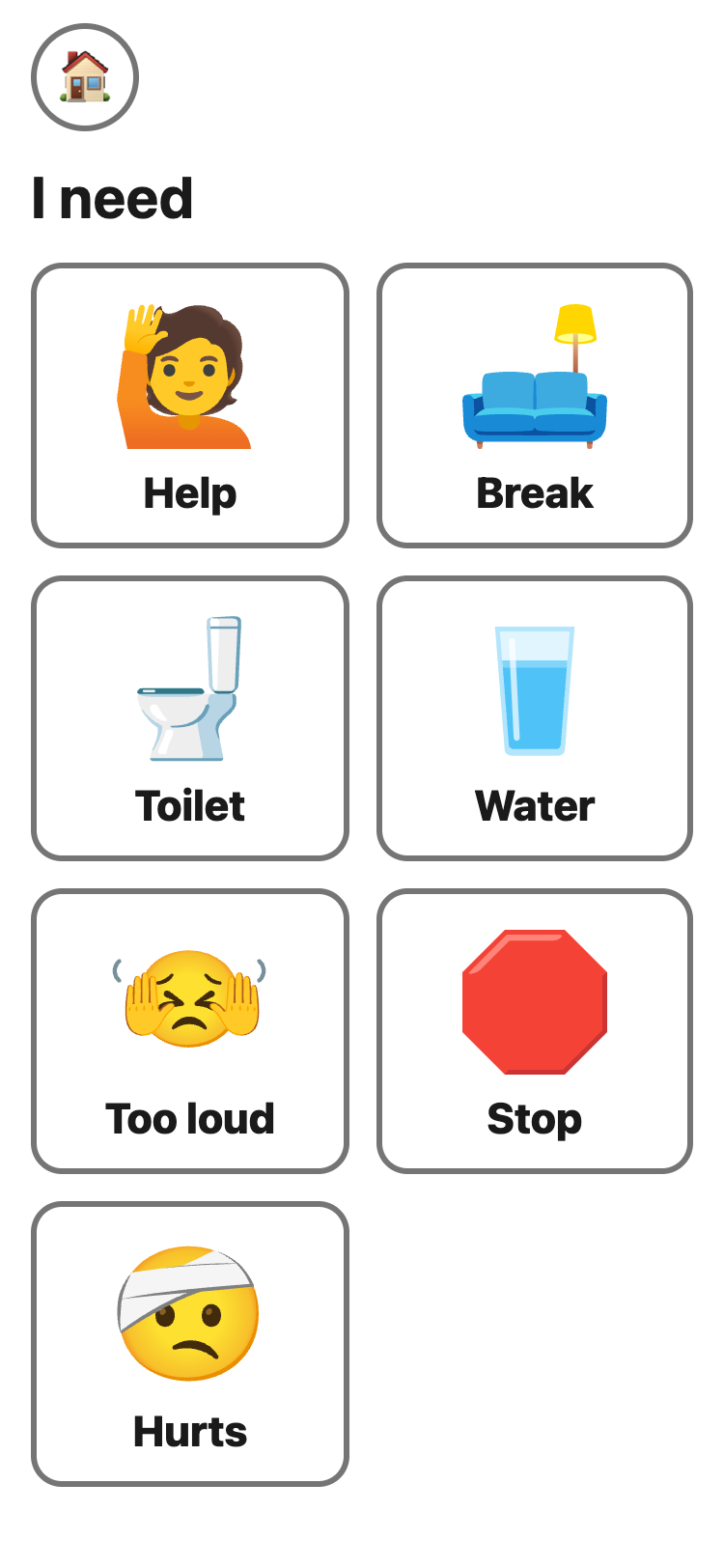
- Tap a card.
- Show the screen to an adult. 🔄 Turn around turns it for the person opposite. 🔊 Speak plays a recorded Indian English voice, the closest Google offers to Singapore English. Words you type yourself use the phone's own voice.
- ✕ closes the card.
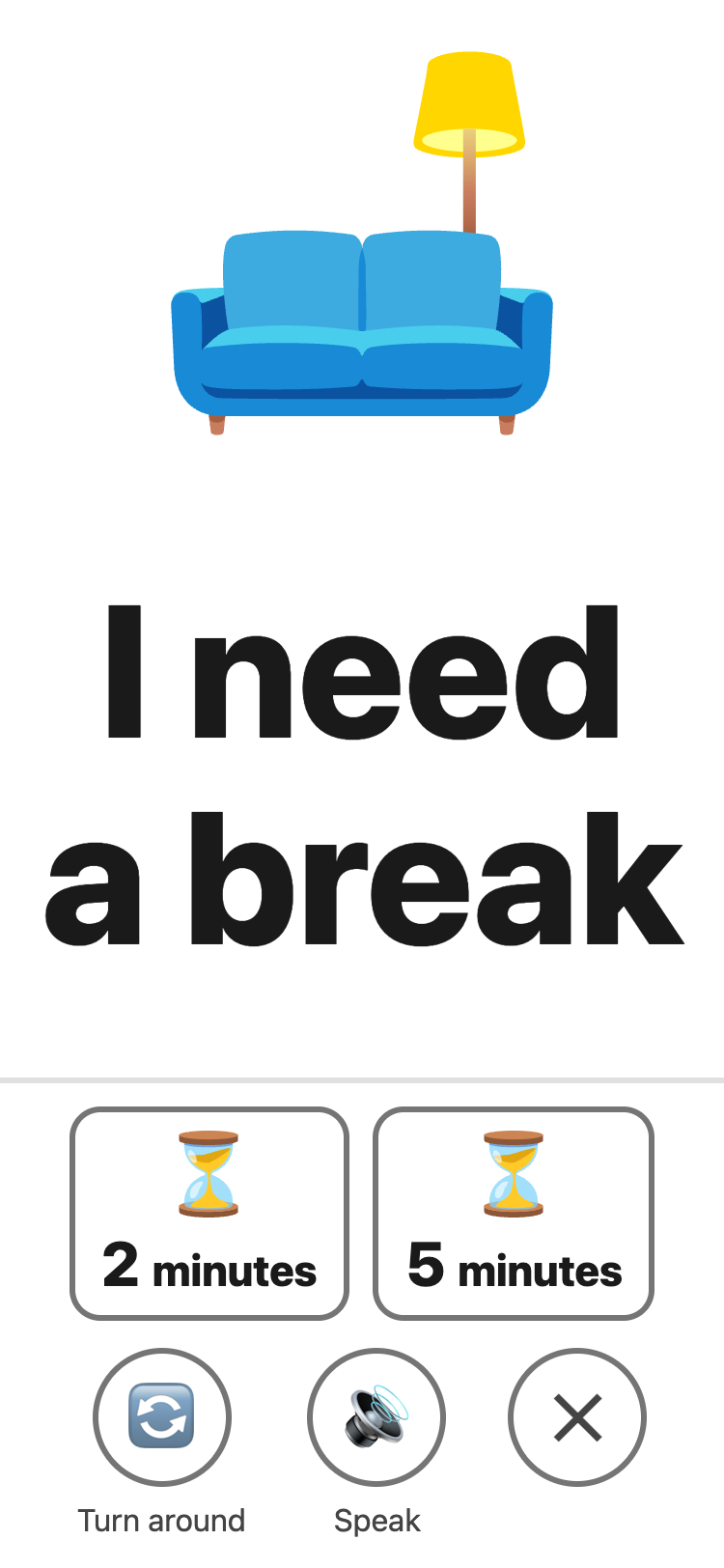
- Break also has 2 minutes and 5 minutes. They open Wait.
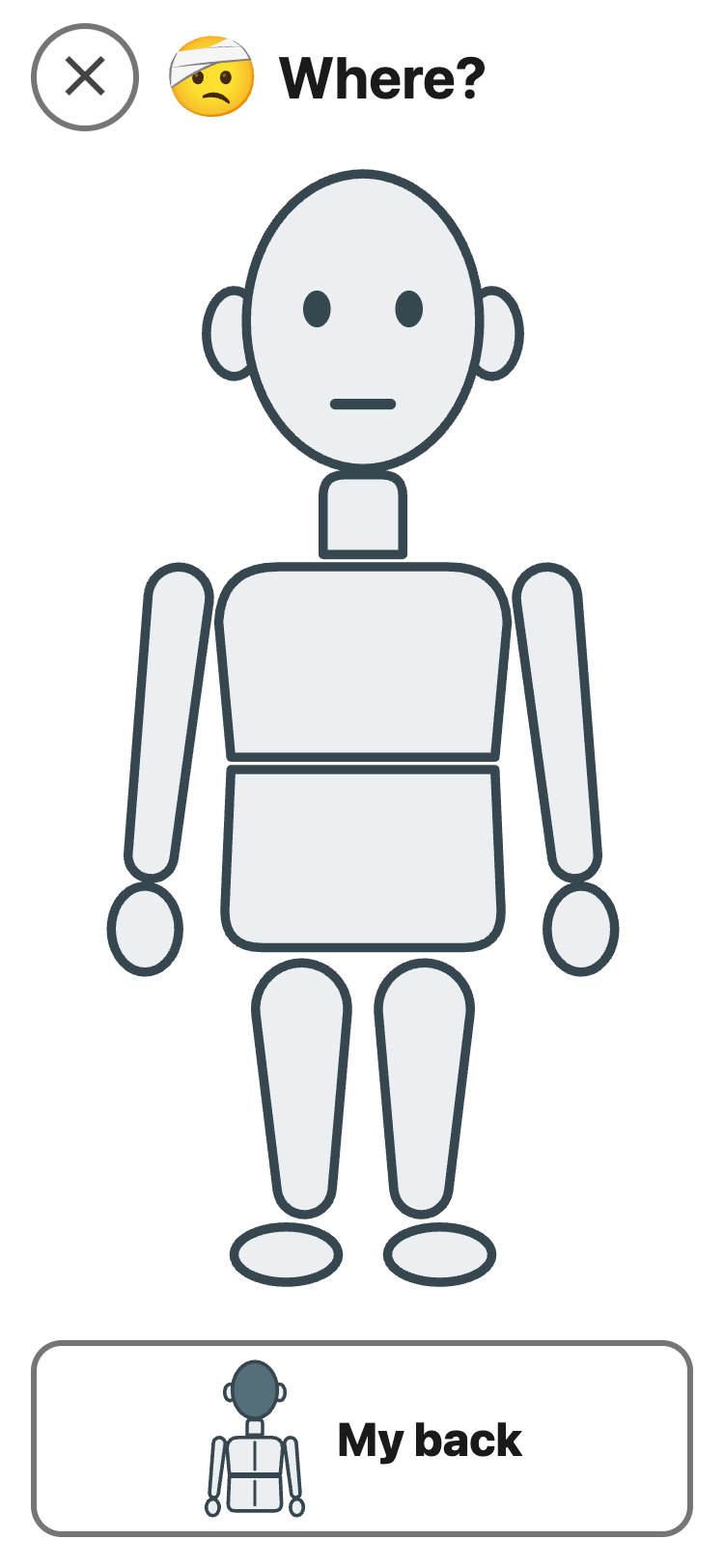
- Hurts asks Where? — tap the body or My back — and How much? Then it shows, for example, “It hurts here: tummy. A lot.”
These cards are the student's voice. Never take
them away or hide them as a consequence. A break is a right, not a
reward.
An adult can add I want, More time, Don't understand and All done, or turn cards off, on the set-up page. A card turned off leaves a gap, so every other card stays in its place.
Nothing is saved: not which card, not when, not where it hurt.
I need is not a full talk board. A student who uses one — a communication app or book from their speech therapist — keeps using it.