 Wait
Wait
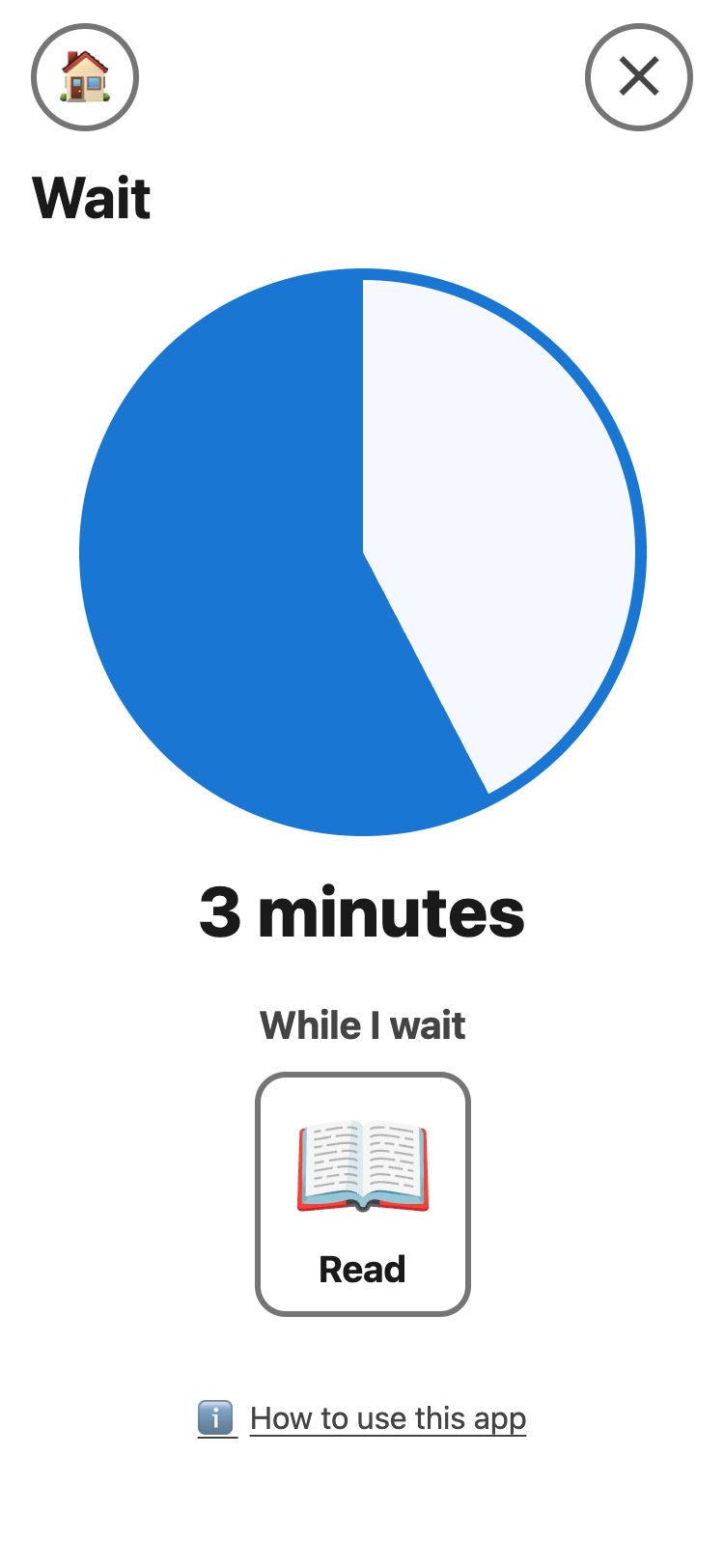
Shows how long a wait is. The blue part gets smaller as the time goes.
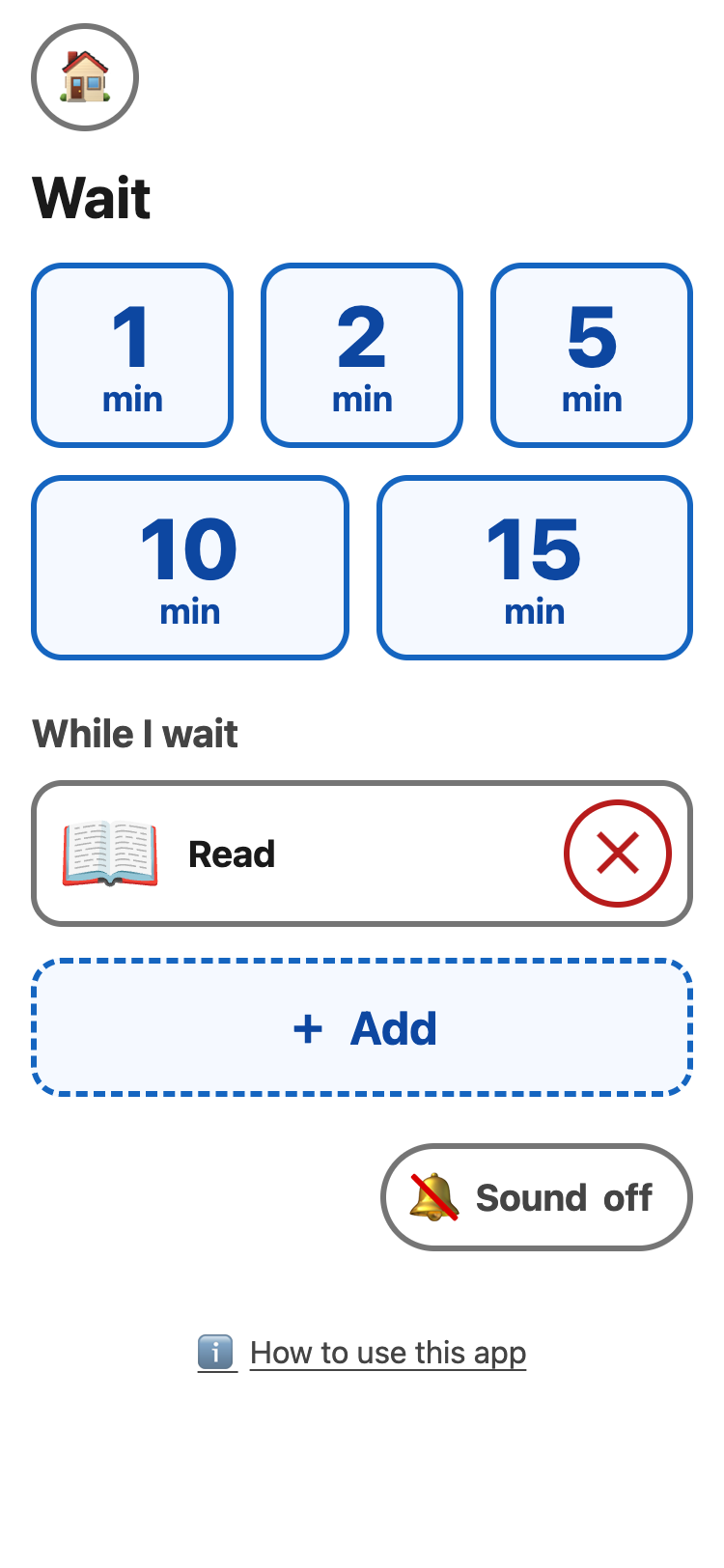
- Tap 1, 2, 5, 10 or 15 minutes.
- Watch the blue disc. The time left is under it in words.
- At the end, the disc turns green: ✔ Done.
- Tap the disc to pause it. Tap it again to go on.
- The round ✕ at the top right stops the wait. Put it back brings back the time that was left.
- While I wait: tap + Add to show up to 3 pictures of things to do while waiting.
- Sound is off at first. Turn it on for one soft sound at the end. A phone that can buzz also buzzes.
Keep the app on the screen while you wait. A
web app cannot sound an alarm or show a message when it is closed, in
the background, or when the screen is locked. The screen stays on by
itself while a wait runs. If you leave the app, come back to see the
time left — it is still right.
In I need, the Break card opens a 2 or 5 minute wait.