Can I buy?
Check if you have enough money for the things you want. Tap Can I buy? on the app's menu to start.
1. Put in your money 🔗
Tap the My money box at the top and type how much money you have. That is all you need to do — the answer works itself out at the bottom of the screen.
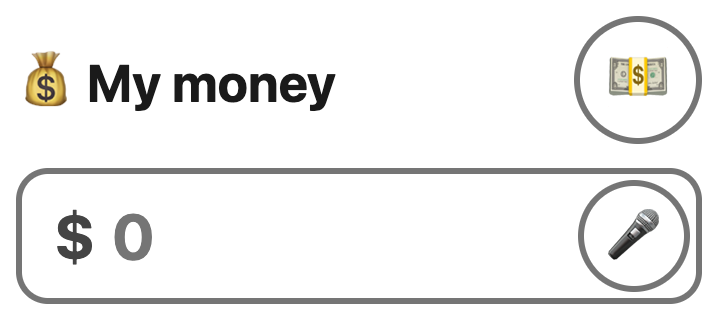
Not sure how much you have? Count your notes and coins with the 💵 button. Rather talk than type? Say the amount with the 🎤.
2. Add the things you want to buy 🔗
Under Things I want to buy, type the price of the thing you want. The price is on the tag or the shelf.
Want more than one thing? Tap + Add item and type the next price. That button only appears once the last price box has something in it, so you never end up with empty boxes.
3. Read the answer 🔗
As soon as you type a price, the answer shows at the bottom of the screen. It updates by itself — you do not need to press anything.
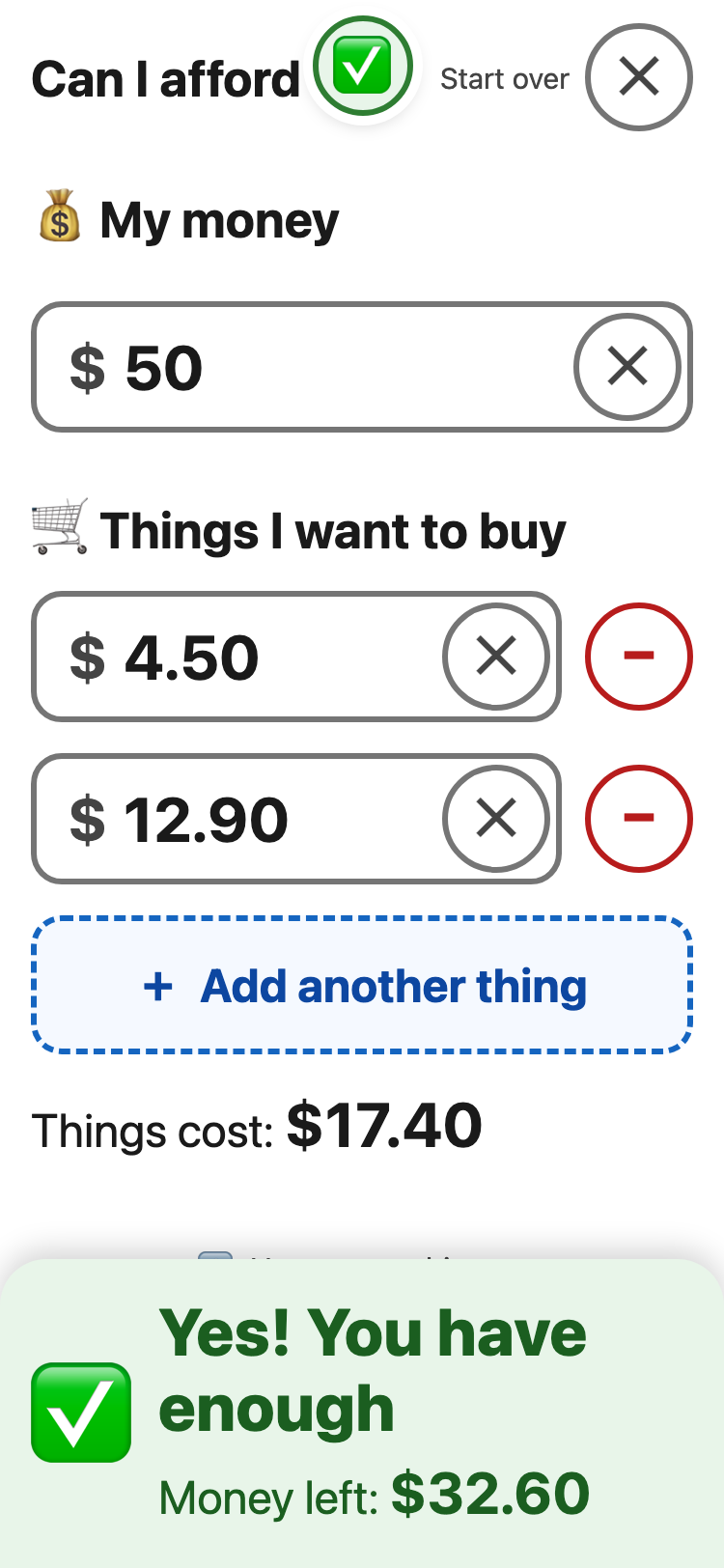
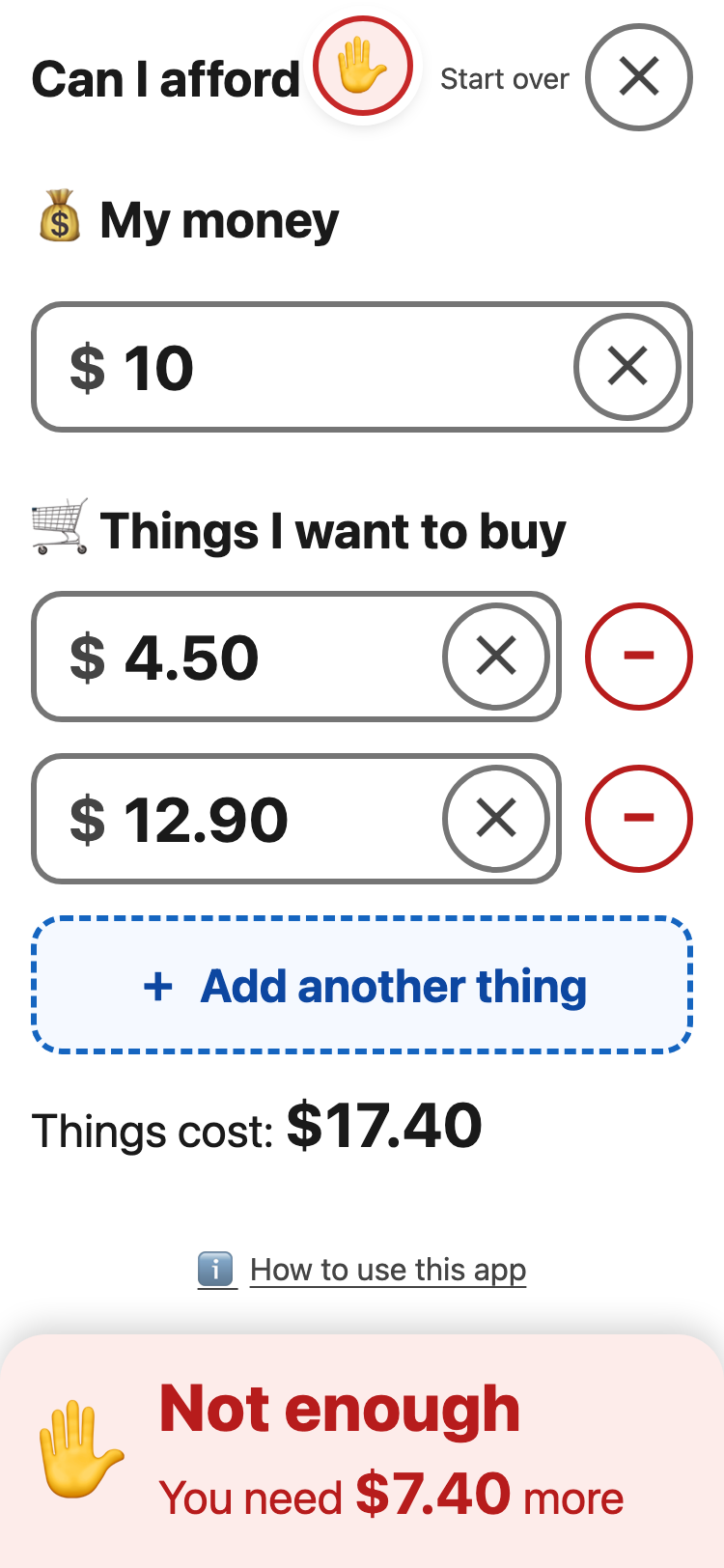
The keyboard can cover the bottom of the screen while you type. The answer shows at the top too, between 🏠 and ✕: like ✋ $7.40 more or ✅ $32.60 left.
If the My money box is empty, the app counts it as $0. So the answer says Cannot buy until you put your money in.
4. Not enough? See the money you need 🔗
When the answer says Cannot buy, tap 💵 Show me. The app shows the notes and coins you still need, with pictures. Tap ✔ OK to go back.

Made a mistake in one box? Tap the ✕ inside that box to empty it. To clear everything at once, tap the round ✕ at the top right. Either way a Put it back button appears for a few seconds, in case you did not mean to.
To pick another tool, tap the round 🏠 at the top left.