Count your notes and coins
Not sure how much money you have? The app can count it for you. The round 💵 button is next to My money in Can I buy?, What is the change? and Make a shopping list.
- Tap the round 💵 button next to My money.
- Tap a picture for each note and coin in your wallet. The app adds them up for you.
- Each picture shows how many you tapped, like ×2.
- Tap ✔ Done when you finish. The total goes into the My money box.
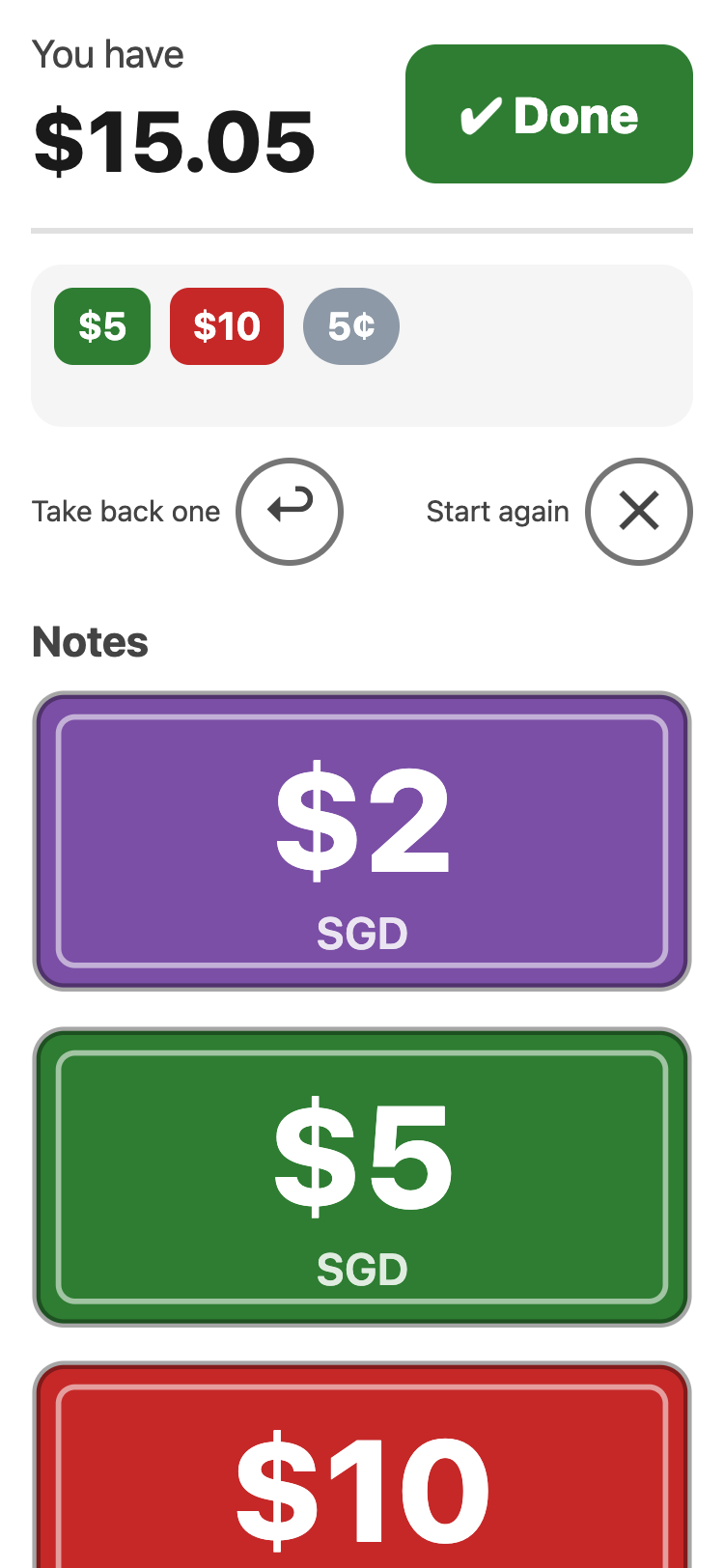
The pictures look like real Singapore money: the same colours, and bigger money is drawn bigger. The 5¢ coin is gold. The $1 coin is gold with a silver middle.
Tapped the wrong one? Tap ↩ Take back one. To count again from nothing, tap ✕ Start again.
The 💵 button only shows while the money box is empty. To count your notes again later, tap the ✕ in the box first.