 Steps
Steps
A daily task, one step at a time: a picture and a few words on each screen.
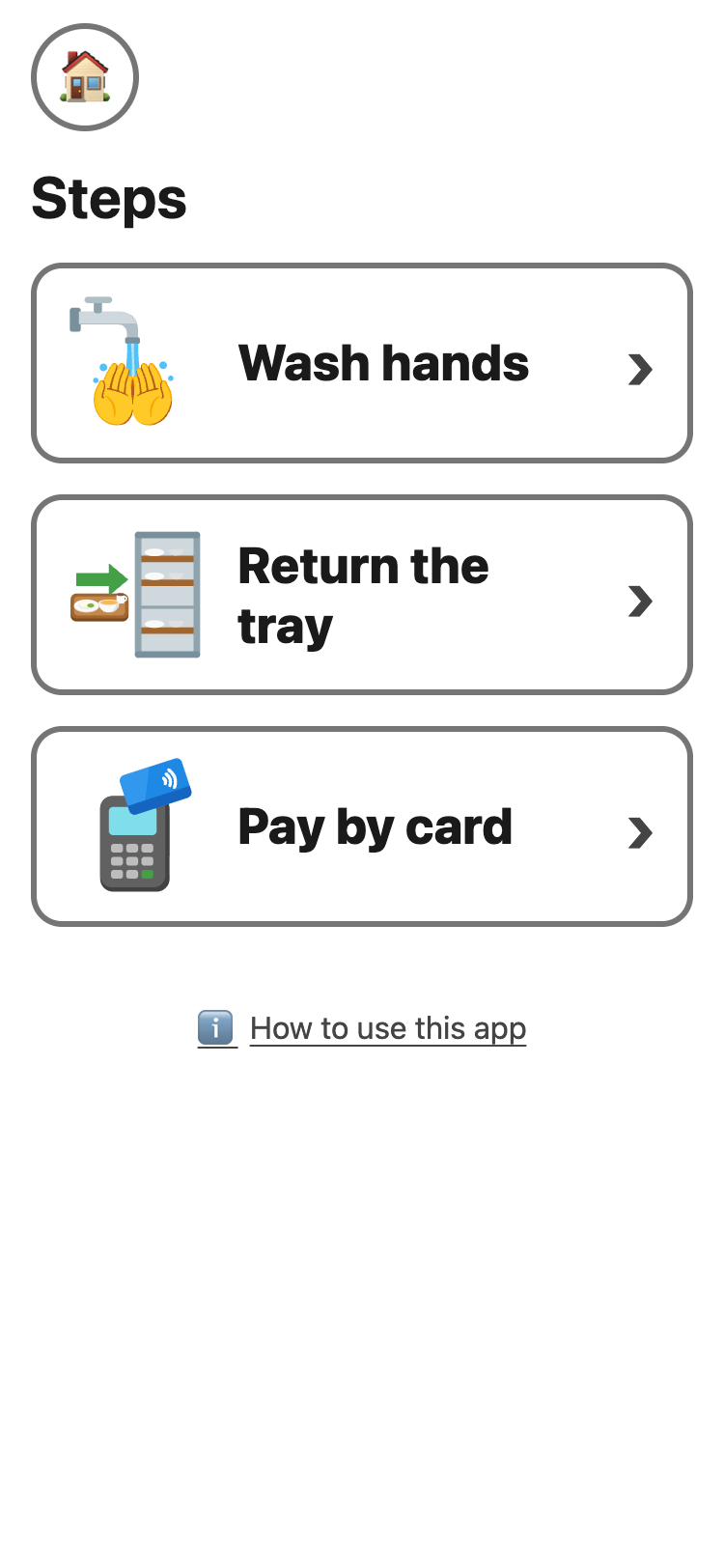
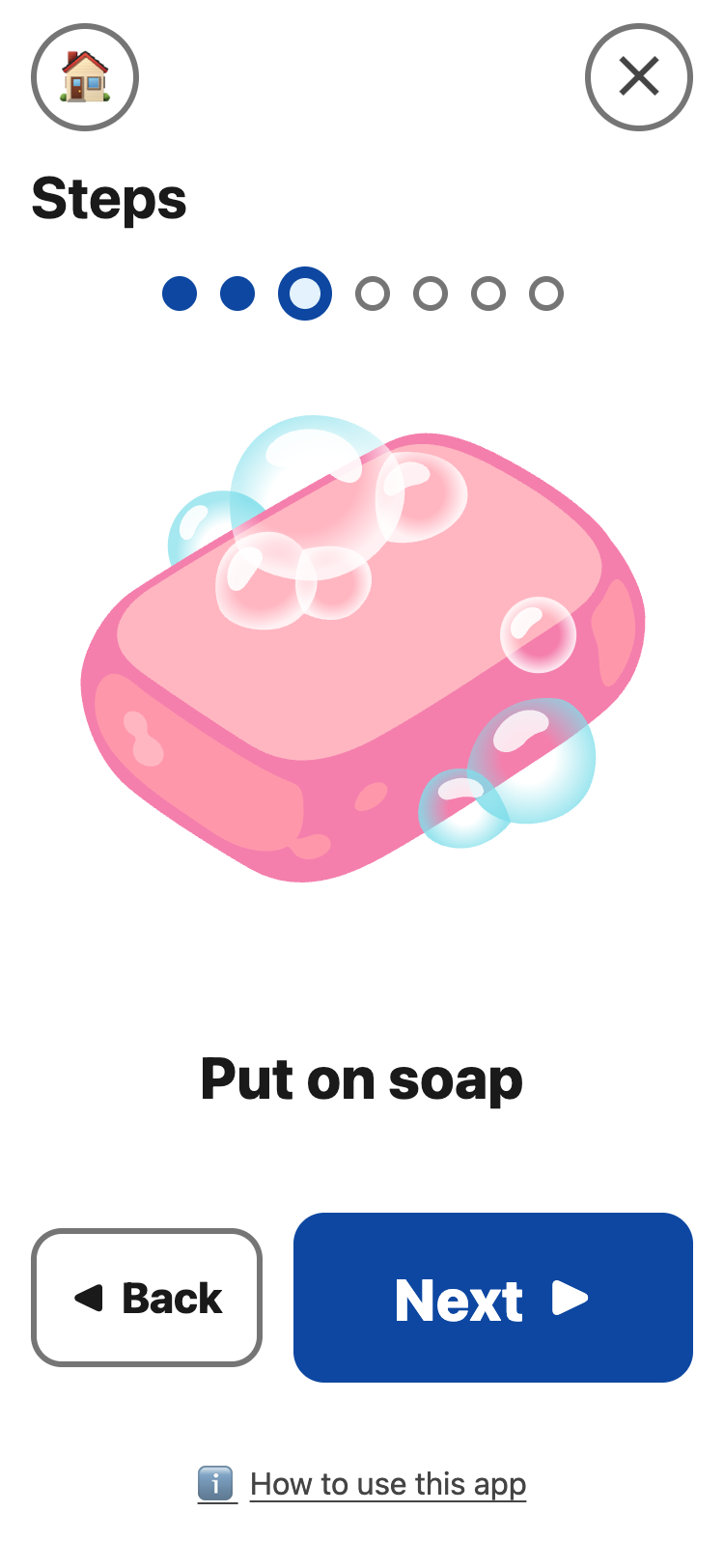
- Tap a task: Wash hands, Return the tray or Pay by card.
- Do the step on the screen. Then tap Next ▶.
- After the last step: ✔ All done. Go back to the real task.
- ◀ Back goes to the step before.
- The dots at the top show how many steps there are, and which one is on the screen.
- The round ✕ at the top right starts the task again. Put it back undoes it.
- Pay by card has a Can I buy? button, to check the money first.
💡 A task left alone for 30 minutes starts at
step 1 again, so on a shared iPad the next student starts at the
beginning.
Student knows the small steps? On the set-up page, turn on Fewer steps for that task. It then shows only the main steps.