 Show a card
Big cards to show someone in a public place: a bus captain, station staff, a cashier, the people around.
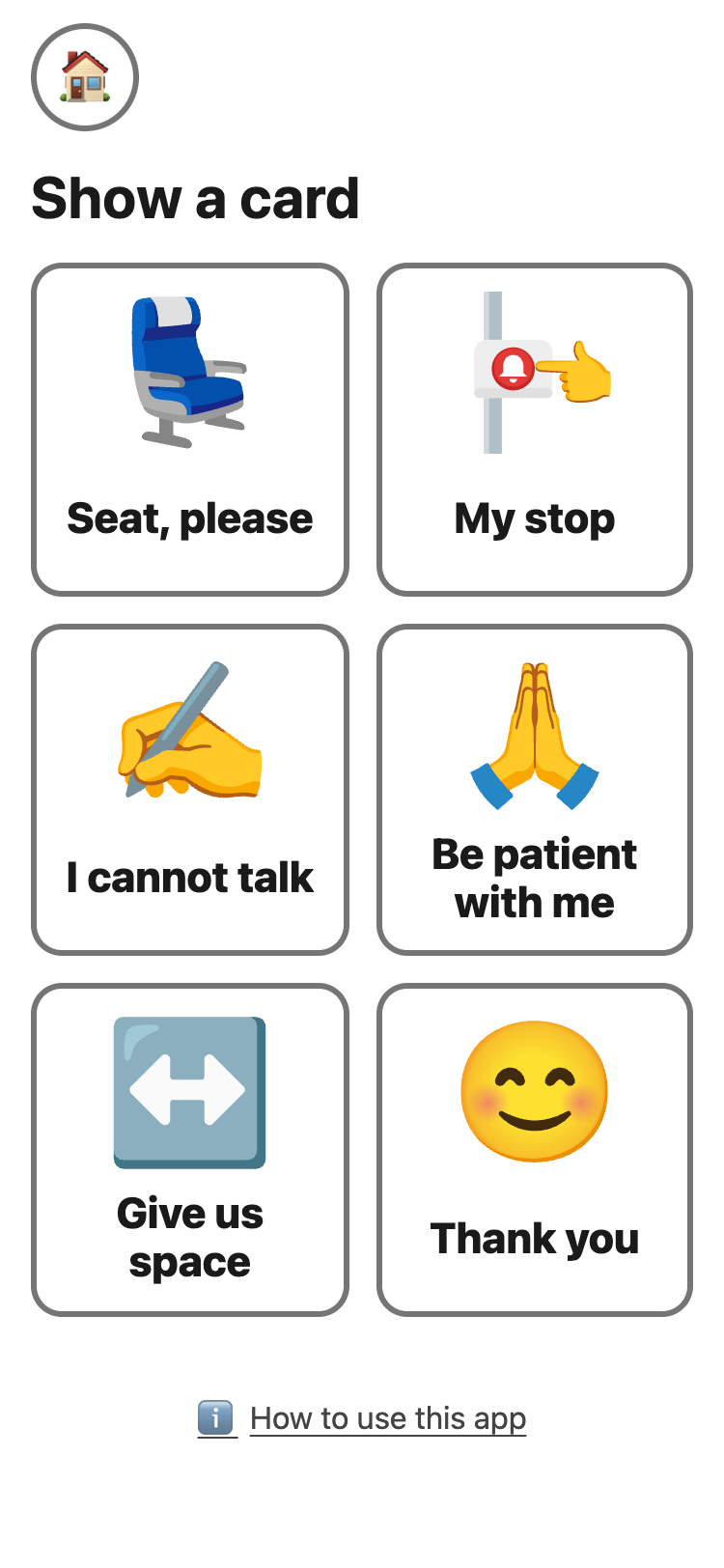
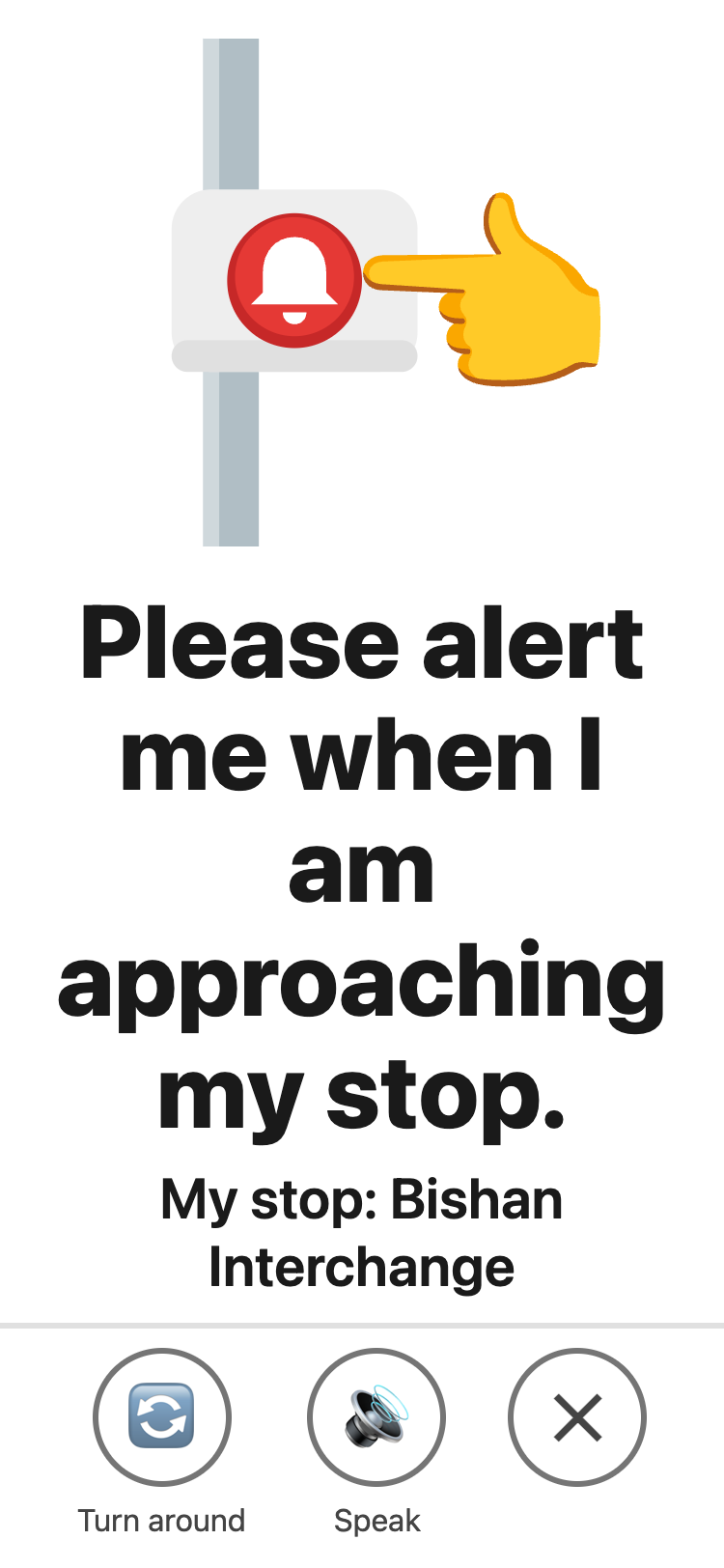
- Tap a card. It fills the screen.
- 🔄 Turn around turns it for the person opposite. 🔊 Speak plays a recorded Indian English voice, the closest Google offers to Singapore English. Words you type yourself, like a stop name, use the phone's own voice.
- ✕ closes it.
What the cards say 🔗
- Seat, please: “May I have a seat please?”
- My stop: “Please alert me when I am approaching my stop.”
- I cannot talk: “I cannot talk now. I can point or type.”
- Be patient with me: “Please be patient with me.”
- Give us space, for a parent to show: “My child is overwhelmed. Please give us some space. We are OK.”
- Thank you: “Your care is greatly appreciated. Thank you!”
💡 Seat, My stop and Thank you use the same words
as LTA's Helping Hand cards, so bus captains and station staff know
them.
On the set-up page, an adult can:
- type the stop name. The card then shows “My stop: …”. Leave it empty on a shared iPad.
- add a second line to Be patient with me: “I have a hidden disability.” or “I am autistic.”
- turn cards off. A card turned off leaves a gap.
Telling people about a disability is the
student's choice. Be patient with me has no second line unless the
student wants one.