 Now and next
Pictures of what happens now, and what comes next. Knowing what is coming makes a change easier.
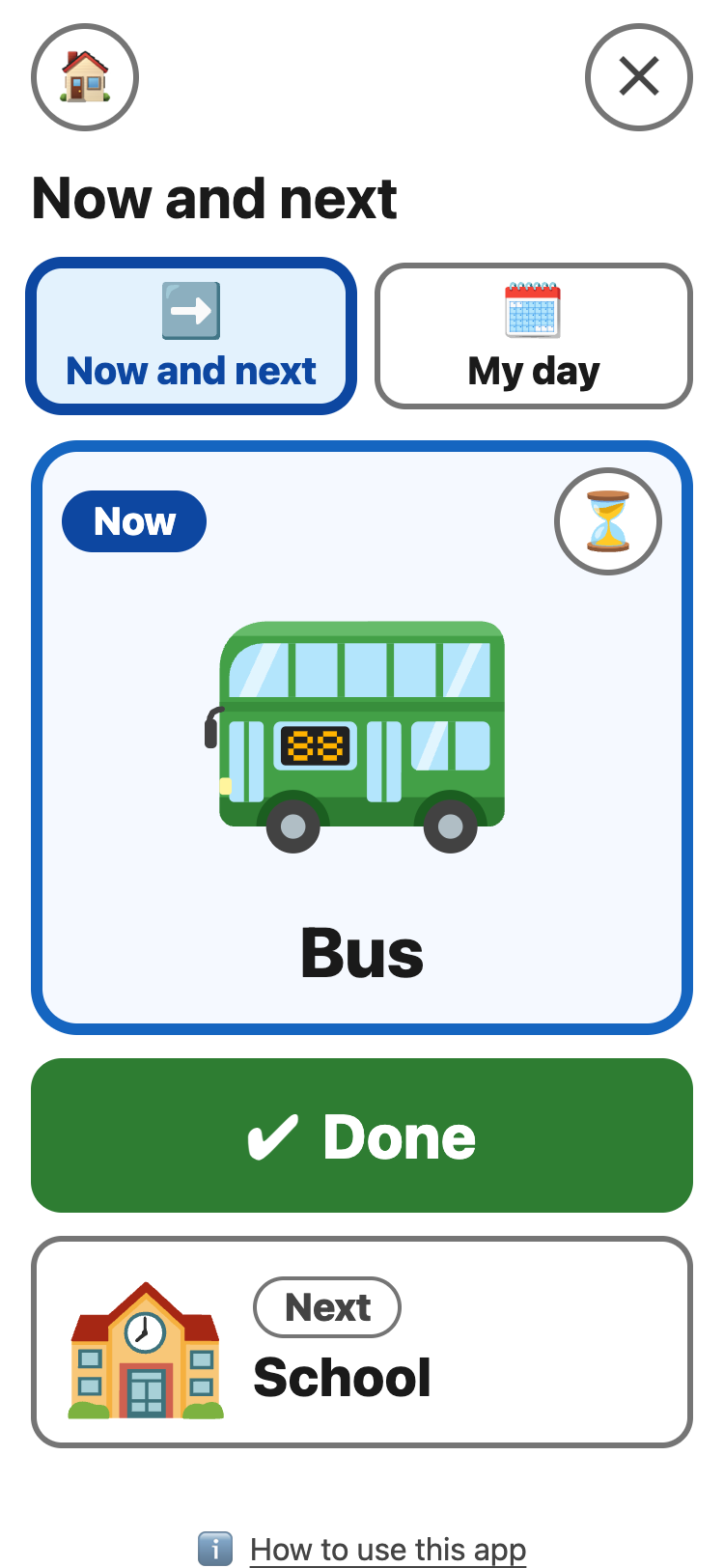
- Tap + Add. Tap a picture. You can change the words under it. Tap ✔ Done.
- To add more cards, tap My day at the top, then + Add. Up to 12 cards.
- When the Now card is finished, tap ✔ Done. The Next card moves up to Now.
The ⏳ on the Now card opens Wait.
My day 🔗
My day shows the whole list, top to bottom. Cards that are done are small and grey, with ✔.
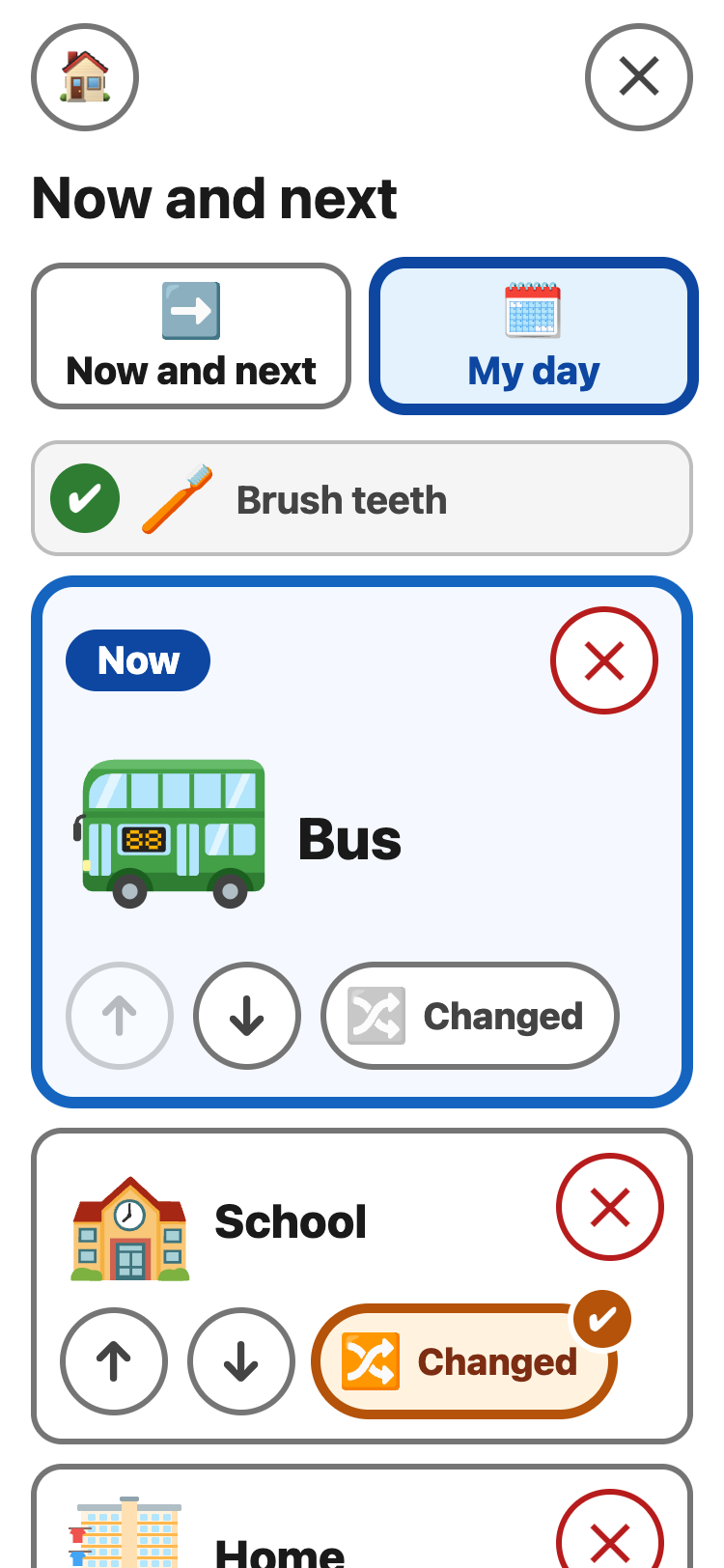
- ↑ ↓ move a card up or down.
- Changed marks a card whose plan has changed. It shows in both views, so the change is said, not hidden.
- Tap a card's picture to pick another one.
- ✕ takes a card away. Tap Put it back if you did not mean to.
- Tap a card with ✔ to make it Now again.
💡 The round ✕ at the top
right starts the day again. The cards stay.