Make a shopping list
Plan what to buy, and check it fits the money you have — your budget.
- Under My money, type how much you can spend.
- Under I need to buy, type the name of a thing and its price. You can leave the name empty. Tap + Add item for the next one.
- Read the answer at the bottom.
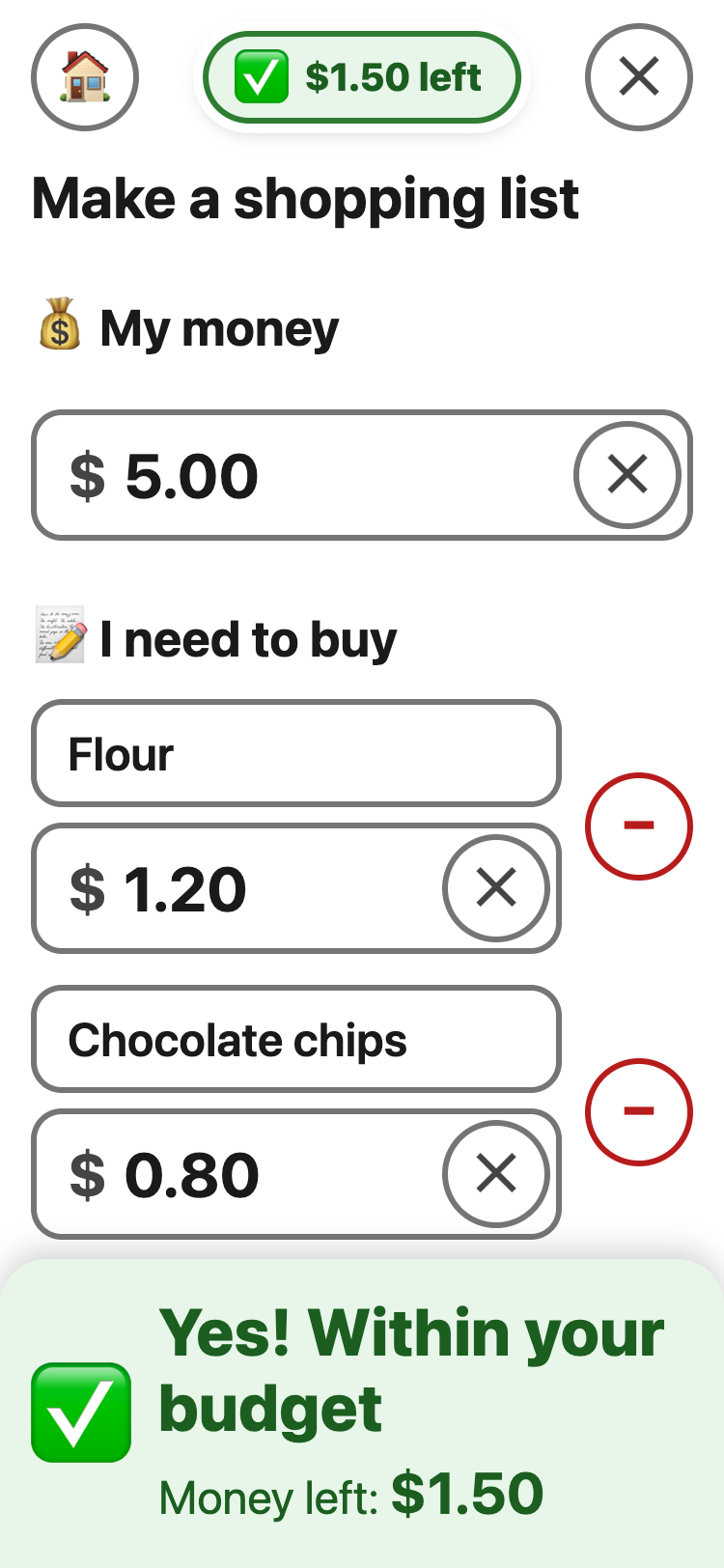
✅ Yes! Within your budget — it
also shows the money left.
✋ Over your budget — it shows how
much too much. Take something off the list.
Example: My money $5.00. Flour $1.20,
Chocolate chips $0.80, Milk $1.50 → Yes! Within your budget.
Money left: $1.50
The name boxes use your normal keyboard, so you can also say a name with the keyboard's microphone.