Next note
Not sure how to pay the exact amount? Pay with the next note up.
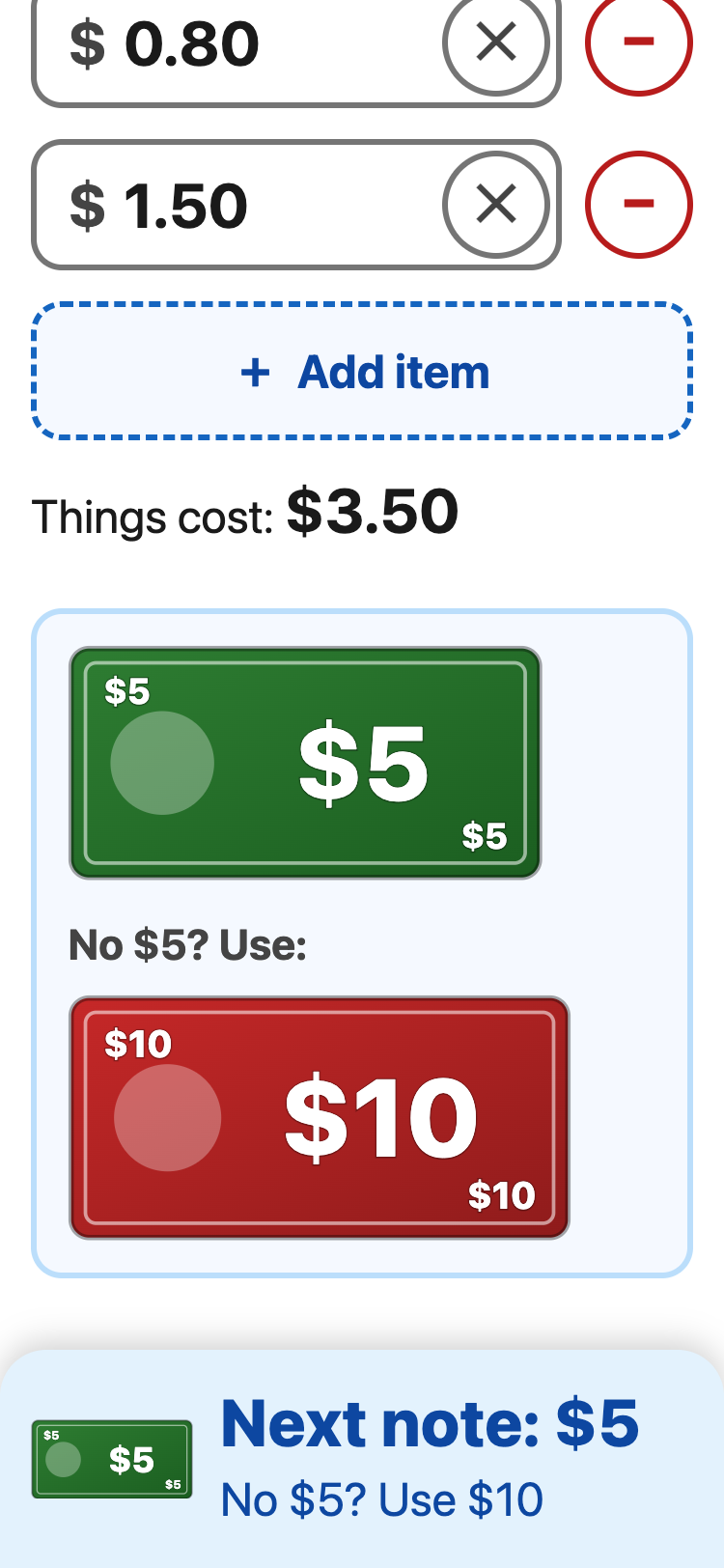
- Under Things I buy, type the price of each thing. Tap + Add item for the next one.
- The app shows the note to pay with: a picture, and the words at the bottom.
- Don't have that note? It also shows the next one up.
Example: $1.20 + $0.80 + $1.50 = $3.50 →
Next note: $5. No $5? Use $10.
The notes go $1 (a coin), $2, $5, $10, $50 and $100. Over $100? The app shows $100 notes, and the next note for the rest.