What is the change?
Find out how much money you should get back when you pay — especially when you pay with a note.
- Under My money, type the money you give. Paying with notes? Tap the round 💵 and tap the notes you give.
- Under I spend, type the price.
- The answer at the bottom shows your change: the money you get back.
Example: My money $5.00, I
spend $2.30 → Change: $2.70
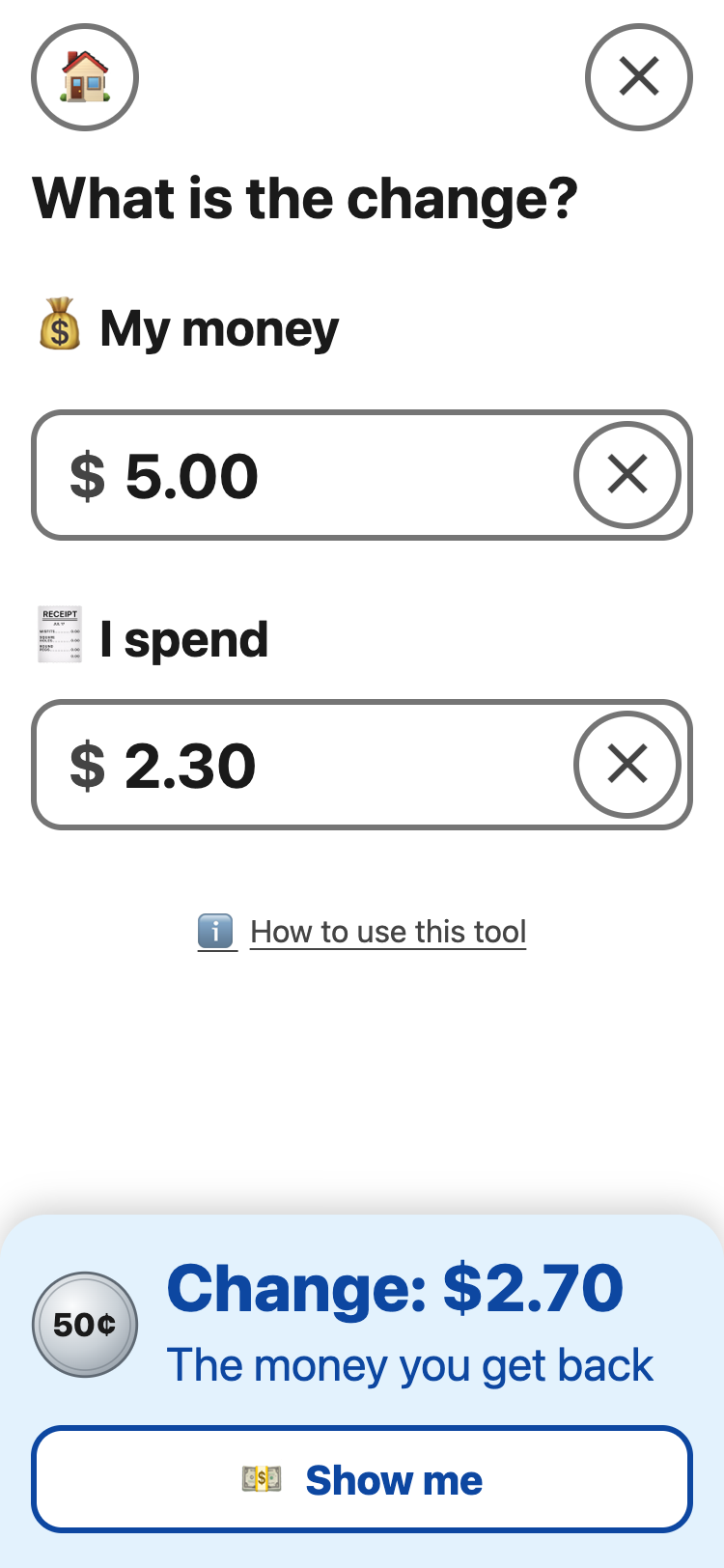
Tap 💵 Show me to see the notes and coins your change should be: here, $2 + 50¢ + 20¢. Then you can check the money you get back.
Not enough money? The answer turns red and says Cannot buy, and how much more you need.